Shik — I finally feel joy writing scripts
You know that feeling when the thought in your head is simple and clear — “go through files, find the right ones, move them” — but between the thought and the result there’s a wall of googling flags, quoting rules, and incompatible utilities?
I’ve been into language design for a while — what interests me most is syntax, how form shapes thinking. When I decided to build a complete language, I picked the area where I was most frustrated and where nothing fit my taste — terminal scripting.
Where the joy disappeared
Here’s a task: find files containing the string ”- links”, move them to a topics/ folder.
In your head, that’s one sentence. In the terminal, it turns into this:
for file in *; do
    if [ -f "$file" ] && grep -q -- "- links" "$file"; then
        mv "$file" topics/
    fi
done
Every line is a small minefield. Quotes around "$file" — forget them, blow up on a space in the name. grep -q — or was it -l? Or -s? -- before the string — why? Oh, because of the dash. Five lines, four traps.
An experienced will say: grep -l "- links" * | xargs mv -t topics/ — one line! Sure. But which grep flag prints filenames — -l or -L? xargs mv — what order do the arguments go in? -t — is that target? What about spaces in names? Every single time — the task takes a second in your head, five minutes on Google or AI. Every time — not your solution, you just copied someone’s code and hope it works.
Or count lines across all .rs files. In your head: “find → read → count → sum.” In the terminal: find + xargs + wc + awk — four utilities, each with its own universe of flags.
Here’s the thing. It’s not because bash is bad. Bash is a good shell. Fish and friends (Nushell, Elvish) are reimagined shells. Python/Node.js/Ruby are powerful languages built for backend work. None of them were designed to make chaining actions in a terminal feel good to type. Each has its own focus, and scripting everyday chores is a side effect.
I didn’t want another shell or another general-purpose language. I needed thoughts to flow from my head into the terminal without friction.
Where it came back
I built Shik. Here’s that same task:
file.glob :./* $>
  list.filter file.is-file $>
  list.filter (fn [f] file.read f $> string.has "- links") $>
  list.iterate (file.move :topics)
Four lines. Each one is a single step. Data flows top to bottom, left to right. Pure functions only, functions return primitive data (list/string/number/bool), functions compose and curry. Reads like the thought.
Count lines:
file.glob :./src/**/*.rs $>
  list.map (file.read #> string.lines #> list.len) $>
  list.sum $>
  print
This is where I felt it: this is it. I think “find files → read → split into lines → count → sum → print” — and I type exactly that. One to one. Thought = code.
One rule for the whole language
The design grew out of Lisp and Haskell, adapted for the terminal. During development I deliberately kept using the most primitive REPL — arrow keys didn’t even work. If the language is comfortable to use even under those conditions, the syntax works.
Everything is function application. + 1 2 isn’t an operator — it’s calling the function + with arguments 1 and 2. list.map, file.glob, string.upper — also functions. if, let, while — also functions. One rule, and you know the whole language. list.map is not a function map from module list — it’s the full name of the function, the dot is part of the name!
Space is application:
file.glob :./src/**/*.rsLiterally: “apply :./src/**/*.rs to the function file.glob.” Like f(x), but without parentheses.
Currying gives you free combinators. Pass fewer arguments than a function expects — get a new function back:
let lst [1 2 3 4]

lst $> list.map (+ 1)   ; [2 3 4  5]
lst $> list.map (- 1)   ; [0 1 2  3]
lst $> list.map (* 2)   ; [2 4 6  8]
lst $> list.map (^ 2)   ; [1 4 9 16]
(+ 1) is a function meaning “add one.” (* 2) is “multiply by two.” Uniform, no lambdas needed.
But why does (- 1) mean “subtract one” and not “subtract from one”? This is a deliberate, heretical decision! In Shik, argument order is a design choice — everything is built around currying. For arithmetic: the first argument is the modifier, the second is the base. - 1 5 = 4, because 1 is “how much to subtract” and 5 is “from what.” If - worked as “first minus second,” (- 1) would mean “one minus something,” and you’d have to write fn [x] - x 1 or introduce flip. You can read more about the argument ordering philosophy in the docs.
Four operators — that’s it. All about application, composition, and most importantly precedence — from tightest binding to loosest:
| Operator | What it does | Example |
|---|---|---|
(space) | function application | f x |
#> | composition | file.read #> string.lines |
$ | low-precedence application | print $ + 1 2 |
$> | left-to-right pipe | x $> f |
This is the entire flow control syntax. Nothing else. Everything else is combinations of these four things.
These operators fix the main problem with using Lisp in a terminal. Instead of:
print (list.sum (list.map (fn [path] list.len (string.lines (file.read path))) (file.glob :./src/**/*.rs)))You write:
file.glob :./src/**/*.rs $>
  list.map (file.read #> string.lines #> list.len) $>
  list.sum $>
  print
These two are fully equivalent and both valid Shik code!
Ready out of the box: file., string., list., object., shell. — available without imports. Open the REPL and start working. help list. shows all list functions.
Syntax in five minutes
Everything you need to know:
; Literals
42                     ; number
"hello world"          ; string
:hello                 ; also a string — for words without spaces (faster to type!)
[1 2 3]                ; list
{:name :Alice :age 30} ; object
fn [arg] body          ; function

; Variables
let name :Alice
let greet fn [name] "Hello, {name}!"  ; {expression} — interpolation
print $ greet name                     ; Hello, Alice!

; Composition — gluing functions together
let read-lines (file.read #> string.lines)
read-lines :.gitignore    ; ["target" "docs" "releases"]

; Multi-line functions
let reverse fn [str] '(
    let reversed ""
    str $> string.iterate-backward (string.push reversed)
    reversed ; last expression is the result
)

; Destructuring
let head fn [[x _]] x
head [1 2 3] ; 1

; Pattern matching
match [1 2 3 4] {
  []            :empty
  [x y #rest]   "first: {x}, rest: {rest}"
}
; "first: 1, rest: [3 4]"

; External commands
shell "git log --oneline -5" $> print
shell.lines "git branch" $>
  list.filter (string.has :feature) $>
  list.iterate print
That’s it. Seriously. If you’ve read this block, you know Shik. If you’re interested in details, you can read the book!
Now — the real tasks this was all built for.
In practice
Find all TODOs in a project and print a report, sorted by count descending:
let has-todo (file.read #> string.has :TODO)
let count-todos (file.read #> string.lines #> list.filter (string.has :TODO) #> list.len)

file.glob :./src/**/*.rs $>
  list.filter has-todo $>
  ;; turn list of paths into [path todo_count]
  list.map (fn [f] [f (count-todos f)]) $>
  list.sort (fn [[_ a] [_ b]] - a b) $>
  list.iterate (fn [[file n]] print "{file}: {n} TODOs")
Seven lines. has-todo and count-todos are assembled by gluing existing functions with #>. No classes, objects, modules, or imports. Just: “read → check” and “read → split → filter → count.”
Config backup across machines — the script I used to debug the entire language:
let HOME shell.home
let make-path fn [dir] "{HOME}/.config/{dir}"
let$ [KITTY-PATH FISH-PATH] [(make-path :kitty) (make-path :fish)]

let FISH-FILES [:fish_plugins :functions/start.fish :functions/gr.fish]
let KITTY-FILES $ file.list KITTY-PATH
let HOME-FILES [:.ghci :.gitconfig]

let make-copier fn [files from dest] fn [] '(
  files $> list.iterate fn [file] '(
    print "Copy: {from}/{file} -> {dest}/{file}"
    file.copy "{dest}/{file}" "{from}/{file}"
  )
)

let sync-fish  $ make-copier FISH-FILES FISH-PATH :fish
let sync-home  $ make-copier HOME-FILES HOME :home
let install-fish  $ make-copier FISH-FILES :fish FISH-PATH
let install-home  $ make-copier HOME-FILES :home HOME

; Run: shik backup.shk sync fish home
let options $ list.drop 2 shell.args
let mode $ list.head options
let targets (if (list.empty? $ list.tail options) [:fish :home :kitty] (list.tail options))

targets $>
  list.map (+ "{mode}-" #> var.get) $>
  list.iterate fn.invoke
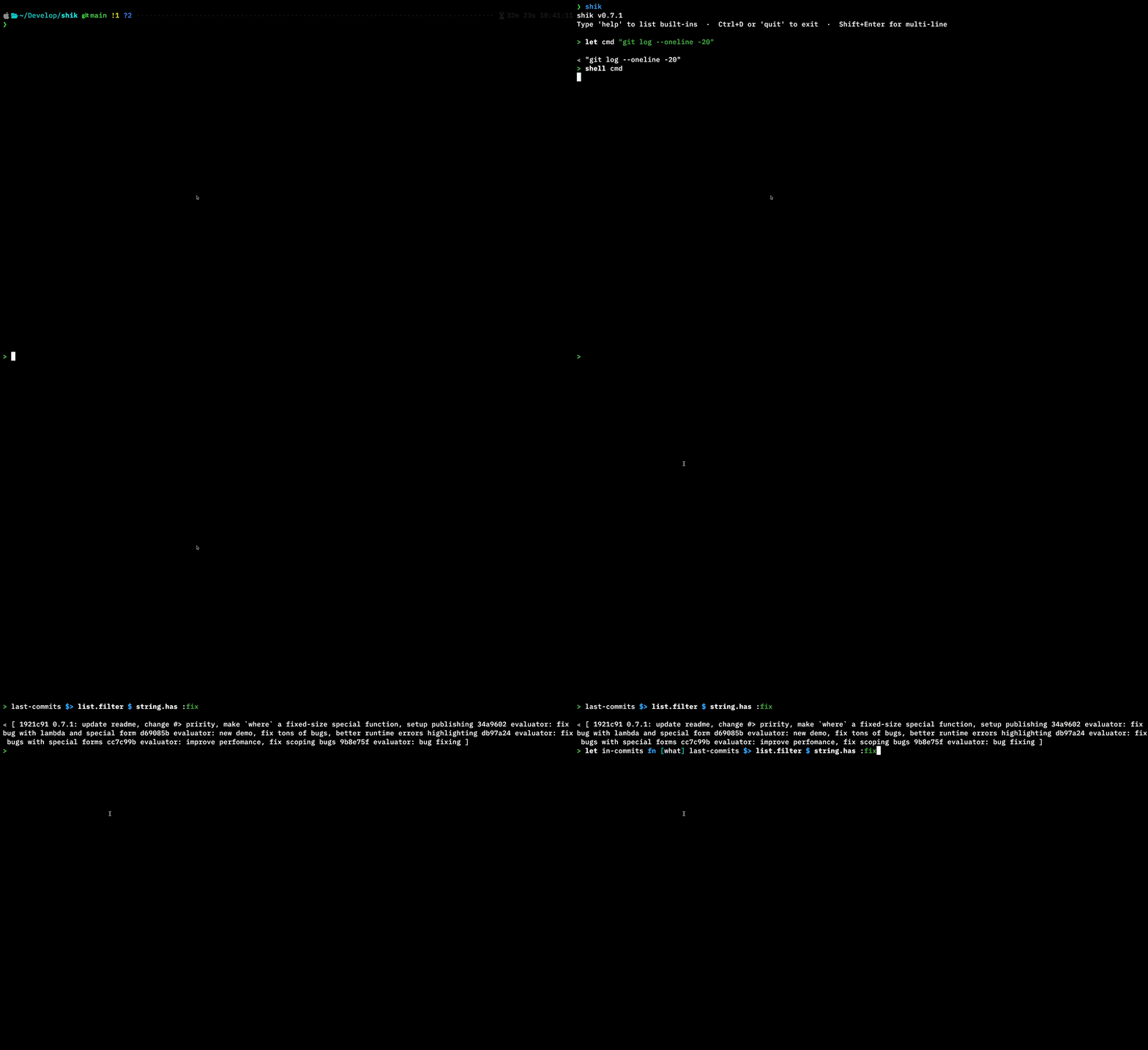
The last three lines are my favorite part. (+ "{mode}-") prepends a prefix, var.get turns the string "sync-fish" into the variable sync-fish, fn.invoke calls it. Strings → names → functions → result. Shik deliberately trades strictness for flexibility — and that’s exactly the tradeoff that makes scripting fun.
Performance
Shik is written in Rust. I didn’t make performance the primary focus, but I optimized where it didn’t add complexity.
It has its own parser and tree-walk interpreter, no tracing GC — memory management via Rc/RefCell, all built-in functions are written in Rust. IO-bound operations run fast. Line counting across the Shik project itself (~9,800 lines, 37 files):
Shik:
file.glob :./src/**/*.rs $>
  list.map (file.read-lines #> list.len) $>
list.sum $> printBash:
find ./src -name '*.rs' -exec cat {} + | wc -lPython:
from pathlib import Path
print(sum(len(f.read_text().splitlines()) for f in Path('./src').rglob('*.rs')))
Benchmarks via hyperfine --warmup 3 -N, macOS, Apple Silicon:
- Shik:
- Time: 4.4 ms
- Memory: 2.6 MB
- Bash:
- Time: 9.1 ms
- Memory: 2.1 MB
- Python:
- Time: 30.3 ms
- Memory: 12 MB
However, on CPU-bound algorithmic work with heavy application and branching — e.g. a dice game win calculator — Shik loses to Python by roughly 10x. Optimization is planned, but the focus will always be on syntax ergonomics and writing comfort.
Try it
# Via cargo
cargo install shik

# macOS / Linux
curl --proto '=https' --tlsv1.2 -LsSf https://github.com/pungy/shik/releases/latest/download/shik-installer.sh | sh

# Windows (PowerShell)
powershell -ExecutionPolicy ByPass -c "irm https://github.com/pungy/shik/releases/latest/download/shik-installer.ps1 | iex"
shik # REPL — try typing help inside
shik script.shk # run a fileThe project is in active development (v0.7.1). This is not a production-ready tool — it’s a thing I use every day and genuinely enjoy using.
Planned: shebang support, regex, JSON parsing, networking, try/catch, multithreading.
Shik won’t replace bash — it’s not a shell. It won’t replace Python for bots. But if every couple of days you need to move, filter, rename, or generate a report — and every time you spend more time fighting the tool than solving the problem — give it a shot. You might find some joy in it too.